Engineering7 min read
Choosing between native, Flutter and React Native for your next mobile app
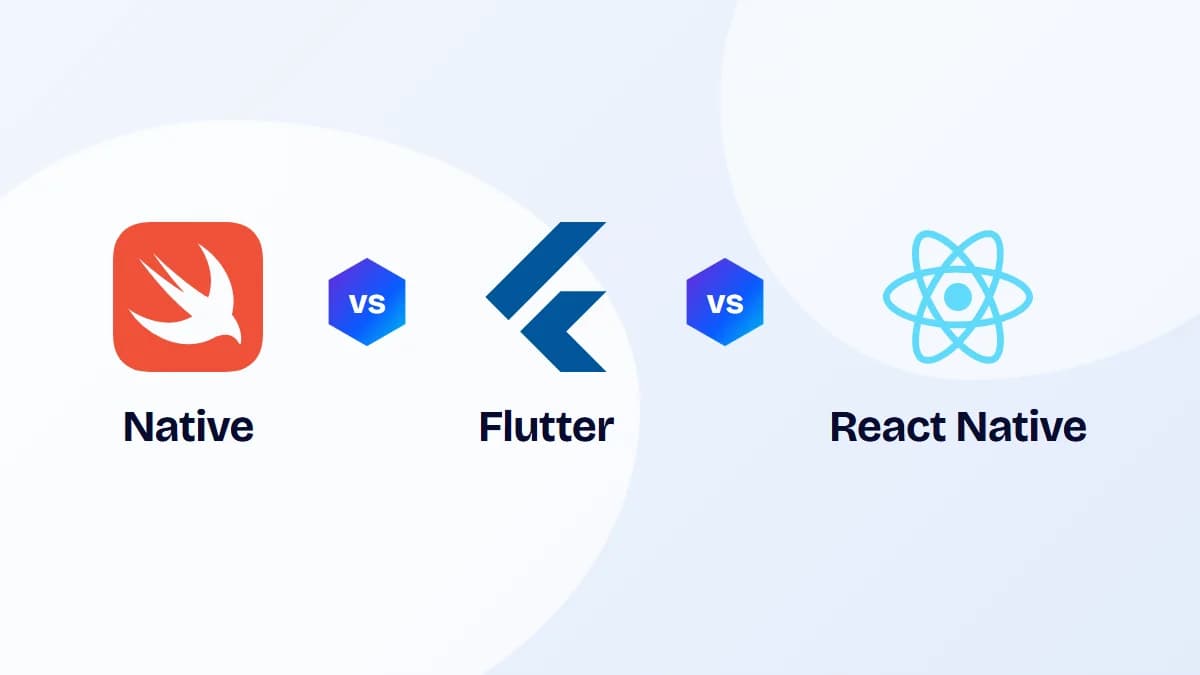
Native, Flutter and React Native can all produce excellent apps. The right choice depends on your product, your team and your roadmap. Here is how to decide.
By INFIDEC Mobile Engineering Team
The question behind the question
Teams often ask which framework is best, but all three options are mature and power well-known apps with millions of users. The more useful question is which approach fits your product's requirements, your team's skills and how you expect the app to evolve over the next few years.
This guide compares native development with Swift and Kotlin, Flutter and React Native on the factors that tend to decide real projects, and finishes with a simple way to make the call.
Start from your requirements
Before comparing frameworks, write down what the app actually has to do. A short list of requirements will rule options in or out faster than any benchmark.
- Which device capabilities are core to the product: camera, Bluetooth, NFC, background location, health data, payments?
- Do you need platform extensions such as home screen widgets, watch apps, App Clips or Android Auto?
- How custom is the UI? Is it a brand-led experience or should it feel like a standard iOS and Android app?
- Will the same team also build a web app, and how much logic could be shared?
- Does the app need to work offline, and how much data will it store locally?
Native: Swift and Kotlin
Native apps are built separately for each platform, typically with Swift and SwiftUI on iOS and Kotlin and Jetpack Compose on Android. You get immediate access to every new platform API, the most direct control over performance, and UI that follows each platform's conventions by default.
The cost is two codebases, usually two teams, and the coordination needed to keep features in step. Native is the strongest choice when the app depends heavily on platform capabilities such as advanced camera and media processing, AR, background processing, Bluetooth hardware, widgets and watch apps, or when performance requirements are demanding.
Flutter
Flutter uses the Dart language and renders its own UI with its own engine rather than wrapping native UI components. That gives pixel-consistent UI across iOS and Android, smooth animation, and a single codebase that can also target web and desktop.
Because Flutter draws its own widgets, the app looks the same on both platforms unless you deliberately adapt it, which suits brand-led designs but takes extra work if you want strict platform conventions. Platform features not covered by existing packages need platform channels with some native code. Dart is easy to learn, but fewer developers know it than JavaScript or TypeScript, which can affect hiring.
React Native
React Native uses JavaScript or TypeScript and React, and renders real native UI components. Its New Architecture, now the default, replaced the old asynchronous bridge with direct JavaScript-to-native interfaces, improving performance and interoperability. Expo provides a mature toolchain for builds, updates and native modules, and is the approach the React Native team recommends for new projects.
The biggest advantage is skills and code sharing with web teams that already work in React and TypeScript. Business logic, validation and API clients can often be shared with a web app. Very complex animations or heavy computation may need native modules, and upgrades across major versions need planned effort, particularly with many third-party dependencies.
Comparing what matters
Most decisions come down to a handful of factors. Here is how the options typically compare.
- Time to market for both platforms: Flutter and React Native are usually faster than two native builds, because most code is shared.
- Performance: all three handle typical business and consumer apps well. Native has the edge for graphics-intensive or hardware-heavy work.
- Platform APIs: native gets new APIs on release day; cross-platform frameworks rely on community or custom modules, which may lag.
- UI fidelity: native and React Native use platform components; Flutter offers consistent custom UI across platforms.
- Team and hiring: React Native fits teams with React experience; native needs Swift and Kotlin specialists; Flutter needs Dart.
- Long-term maintenance: one codebase is cheaper to maintain, but every cross-platform app still needs some native expertise for builds, store releases and platform-specific issues.
A simple way to decide
Start with requirements, then consider people. If the app's core value depends on deep platform integration or demanding performance, choose native. If you have a strong React web team and want to share code and skills, choose React Native. If you want a highly branded UI that looks identical across platforms, or plan to target desktop and web from the same codebase, Flutter is a strong fit.
It is also worth considering Kotlin Multiplatform, which shares business logic between platforms while keeping native UI, for teams with strong Android experience. Whatever you choose, run a short technical spike on the riskiest feature before committing. A two-week proof of concept that exercises your hardest integration will tell you more than any comparison table.