UI/UX design for web and mobile products

We design products that people can understand and use without a manual. Our designers combine user research, information architecture and visual design, and they work alongside our engineers so that what you approve in Figma is what ships.

What's included

The 6 areas this service covers. Take one, or combine them into a single engagement.

User research

We run stakeholder workshops, user interviews, surveys and analytics reviews to understand who your users are, what they need and where the current product lets them down.

UX audits

We review your existing product against usability heuristics, accessibility standards and analytics data, then deliver a prioritised list of issues with recommended fixes.

Information architecture and wireframes

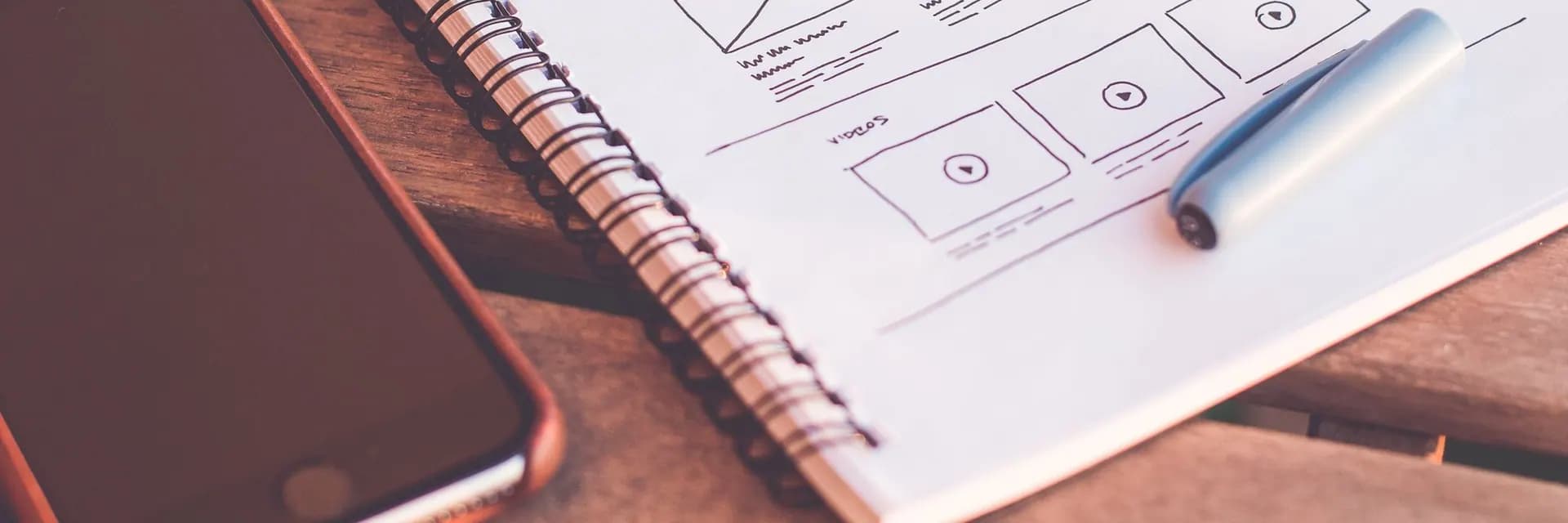
We structure navigation, content and user flows, then produce low-fidelity wireframes to agree on layout and functionality before visual design begins.

Visual interface design

We create high-fidelity screens for web and mobile that reflect your brand, follow platform conventions and cover empty, loading and error states.

Prototyping and usability testing

We build clickable Figma prototypes and test them with real users, so navigation and task-completion problems surface before any code is written and changes are still cheap.

Design systems

We build component libraries with tokens, variants and usage guidelines in Figma, matched to a coded component library such as Storybook for consistent, faster delivery.

How the engagement runs

Five stages, each ending with something you can review and approve.

  1. 1

    Research and discovery

    We gather business goals, user insights and analytics data to define the problems the design needs to solve.

  2. 2

    Structure and flows

    We map user journeys, information architecture and task flows, and validate them with stakeholders.

  3. 3

    Wireframes and prototypes

    We produce wireframes, then interactive prototypes for the key journeys.

  4. 4

    Usability testing

    We test prototypes with representative users, analyse the findings and revise the designs.

  5. 5

    Visual design and handoff

    We finalise high-fidelity screens and the design system, then hand off annotated files and support developers during build.

Why teams choose INFIDEC for this

Technologies we use

  • Figma
  • FigJam
  • Framer
  • Adobe Illustrator
  • Adobe After Effects
  • Lottie
  • Maze
  • Hotjar
  • Miro
  • Storybook

Fewer usability problems at launch

Testing prototypes with users catches confusing flows while changes are still cheap.

Less rework in development

Clear specifications, component states and developer handoff reduce back-and-forth between design and engineering.

A consistent product

A shared design system keeps new features visually and behaviourally consistent as more teams contribute.

Accessible by design

We design to WCAG 2.2 AA contrast, focus and target-size requirements so the product works for more people.

Related case studies

Travel & hospitality

A complete taxi booking platform: fleet ERP, booking website and Flutter apps

We built a taxi operator's full digital platform: a fleet and operations ERP, a booking website, and Flutter rider and driver apps sharing one real-time backend.

ERP, website and mobile apps on one live backend
3-in-1ERP, website and mobile apps on one live backend
apps for iOS and Android from one Flutter codebase
2apps for iOS and Android from one Flutter codebase
driver tracking for riders and the dispatch team
Livedriver tracking for riders and the dispatch team

Travel & hospitality

A restaurant management platform: ERP, online ordering website and Flutter apps

We built a restaurant group's ERP for orders, kitchen, menu and inventory, plus an online ordering website and a Flutter customer app, all on one shared system.

ERP, website and mobile app sharing one menu
3-in-1ERP, website and mobile app sharing one menu
commission on direct online orders
0%commission on direct online orders
sales and stock view across every outlet
Livesales and stock view across every outlet

Healthcare & life sciences

A remote patient monitoring platform that care teams actually use

We rebuilt a telehealth provider's video visit and remote monitoring stack so device readings, alerts and clinician workflows live in one HIPAA-aligned platform.

faster median time from out-of-range reading to clinician review
64%faster median time from out-of-range reading to clinician review
systems clinicians use to review a monitored patient
3→1systems clinicians use to review a monitored patient
to launch a new chronic care programme, down from months
11 wksto launch a new chronic care programme, down from months

Frequently asked questions

What does UI/UX design cost?

Cost depends on the number of screens and user journeys, how much research and usability testing you need, and whether you need a full design system. A UX audit is a smaller, fixed-scope engagement, while designing a new product end to end is a larger one. We quote after a short scoping call.

How long does the design phase take?

A UX audit typically takes 2 to 3 weeks. Designing a new product's first release, including research, prototyping and testing, typically takes 6 to 12 weeks, and design then continues alongside development.

Do you work with our in-house developers?

Yes. We deliver annotated Figma files, design tokens and component specifications, and we join sprint ceremonies to answer questions while your developers build. You can also have our engineers build the designs.

Who owns the design files?

You do. All design files, research materials and assets are transferred to your Figma workspace and become your property under our contract.

Planning a project? Let's scope it together.

Tell us where you are and what you need. A senior engineer replies within 24 hours with next steps, not a sales script.